
Paytm launches Pocket Money feature, allowing UPI payments even without a bank account
Paytm has launched a new Paytm Pocket Money feature for children. This feature allows children to make payments using Paytm UPI without a bank account. Parents can set spending limits and monitor each transaction.
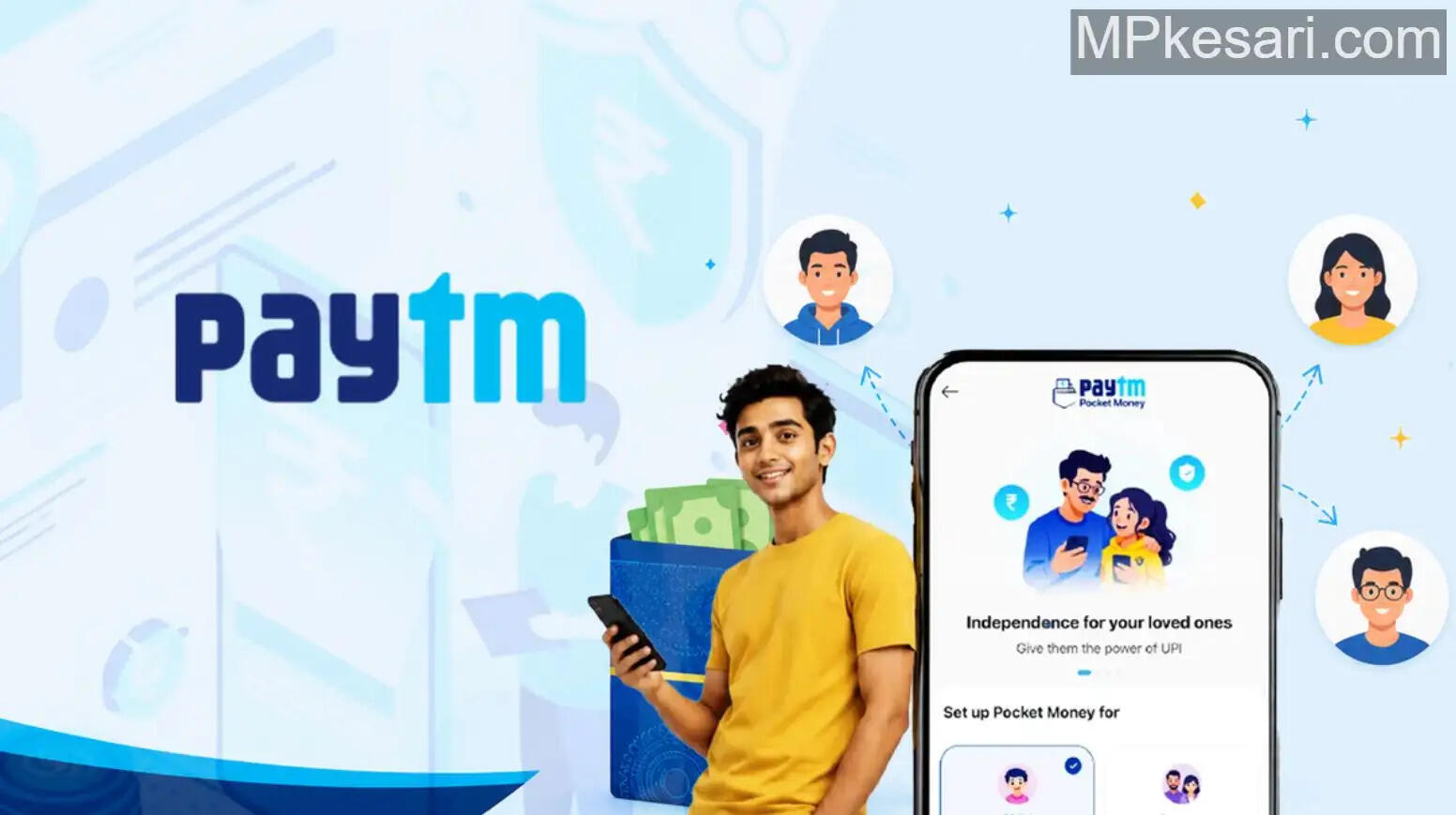
Digital payments are rapidly becoming a part of people's lives in India. Even school- and college-age children are now using online payments for everyday expenses. Addressing this growing need,
Paytm has launched a new feature, Paytm Pocket Money. The company announced on May 18th that this feature is specifically designed for teenagers who don't yet have a bank account.
" "According to the company, children will now be able to make payments through Paytm UPI even without a bank account. Importantly, parents or family members will have complete control over their children's spending. They will be able to set spending limits and monitor every transaction.
Benefits of Paytm Pocket Money
Paytm Pocket Money allows parents to set monthly spending limits for their children. Family members can add their children through NPCI's UPI Circle and view all transactions in real time.
Once activated, children will be able to make UPI payments at online and offline stores using the Paytm app on their mobile phones, eliminating the need to repeatedly ask their parents for their phone.
This will be the limit of pocket money
Paytm has also set spending limits for this. Teenagers can spend a maximum of ₹15,000 per month. A single payment of up to ₹5,000 can be made. This limit can be set by a parent or family member.
The company has also taken special care to ensure security. After the feature is activated, payments of only ₹500 can be made for the first 30 minutes. A limit of ₹5,000 will apply within the first 24 hours. This will reduce the likelihood of fraudulent transactions or misuse.
Additionally, the Paytm Spend Summary feature automatically displays each payment in a separate category.
This will help families understand where money is being spent and help children learn expense management. Parents can change spending limits or even quickly disable the service using their Paytm UPI PIN, if needed. Security features like device lock are also included.
How to set up Paytm Pocket Money
To activate Paytm Pocket Money, first update the Paytm app on your phone. Open the Paytm app. Go to the "To Mobile / Contact" option. Tap "Pocket Money." Select the contact for whom you want to activate the feature.
Scan the UPI QR code or enter the UPI ID. Complete the required document verification. Select your bank account, enter the Paytm UPI PIN, and finally, set a monthly limit.
The person receiving the Pocket Money will then need to accept the invitation. If the "Pocket Money" option isn't visible in the app, you'll need to update the Paytm app to the latest version.